
Smart TV Integration: Centralizing Your Entertainment Ecosystem
Smart TVs have transformed how people consume content, allowing seamless access to various services from a single device. Centralizing your entertainment ecosystem through smart TV integration simplifies viewing experiences and enhances convenience by streamlining access to multiple platforms. Smart TVs allow individuals to easily manage their favorite streaming services, gaming consoles, and smart home devices.

The integration of smart TVs into daily life means more than just watching shows; it’s about connecting various entertainment sources cohesively. Features such as voice control, built-in apps, and compatibility with other smart devices make it easier to control home entertainment systems with minimal effort. As more people embrace this technology, understanding how to set up and utilize these devices efficiently becomes essential.
With a smart TV, viewers can tailor their entertainment experiences according to personal preferences. By centralizing control, they can switch between different media types without the hassle of managing multiple remotes or interfaces. Maximizing the capabilities of a smart TV ultimately leads to a richer and more enjoyable entertainment experience.
Understanding Smart TV Integration
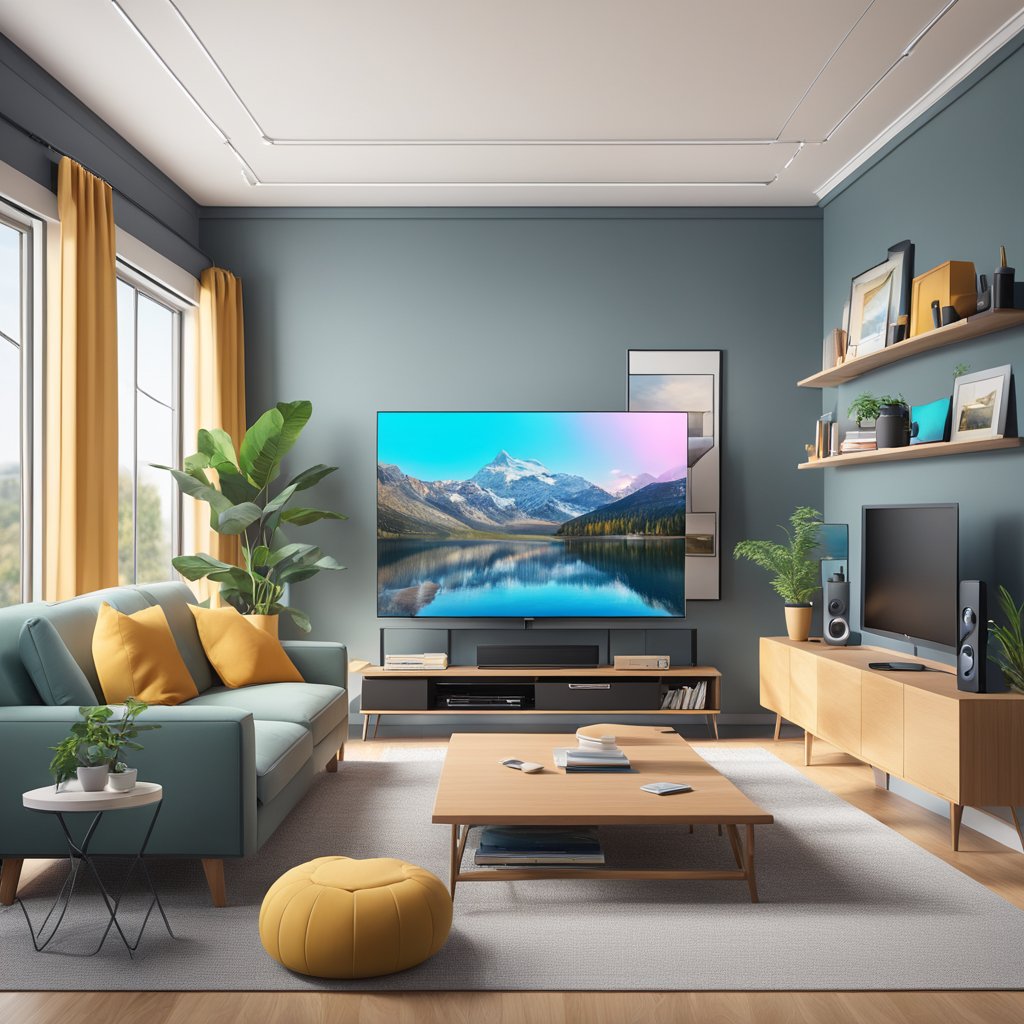
Smart TV integration centralizes various entertainment options, making accessing and managing content easier. This integration involves connecting multiple devices and services, all controlled from a single interface.
Concept of Smart TV Ecosystem
The smart TV ecosystem comprises smart TVs connected to the internet, streaming devices, gaming consoles, and smart home devices. This setup often utilizes various apps and services, allowing users to switch between platforms seamlessly.
Key components include:
- Streaming Services: Access to platforms like Netflix, Hulu, and Amazon Prime.
- App Integration: Use of additional applications for social media, gaming, and more.
- Smart Home Compatibility: Integration with lights, security systems, and voice assistants.
This interconnected system enhances the viewing experience and simplifies device management, creating a more cohesive user environment.
Benefits of a Centralized Entertainment System
A centralized entertainment system provides multiple advantages, significantly enhancing user experience. First, it streamlines access to content, reducing the hassle of switching between various devices or remotes.
Benefits include:
- Convenience: Users can control everything from one interface, saving time and effort.
- Personalization: Recommendations across platforms can tailor viewing experiences to individual preferences.
- Reduced Clutter: Fewer devices and remote controls mean a cleaner entertainment space.
The integration fosters better communication between devices, leading to synchronized features and a unified control system. This allows for a more enjoyable and effective entertainment experience.
Selecting the Right Smart TV
Choosing the ideal smart TV involves considering essential features and the various operating systems available. Understanding these aspects helps streamline the decision-making process.
Smart TV Features and Specifications
When selecting a smart TV, notable features include screen resolution, size, and connectivity options. Resolution choices typically range from Full HD (1080p) to 4K Ultra HD and 8K. Higher resolution offers clearer images, enhancing the viewing experience.
Screen size should align with the room dimensions and viewing distance. A larger screen often provides a more immersive experience, while too large can overwhelm a small space.
Connectivity is crucial. Look for HDMI ports, USB ports, and Wi-Fi capabilities. Smart TVs often include Bluetooth support for connecting external devices. Also, consider the refresh rate for smoother motion during fast-paced scenes.
Operating System Choices
Smart TVs run on various operating systems, which dictate their functionality and user experience. Common options include Android TV, Roku, Amazon Fire TV, and proprietary systems like Samsung’s Tizen or LG’s webOS.
Android TV grants access to the Google Play Store and robust app support. It offers a customizable user interface and integrates well with Google Assistant.
Roku provides an intuitive interface and access to numerous streaming services. It also includes a robust search function for finding content across platforms.
Amazon Fire TV focuses on Amazon Prime Video and Alexa integration.
Samsung’s Tizen and LG’s webOS deliver unique interfaces with a rich selection of apps.
Each operating system has pros and cons. Evaluating personal preferences and viewing habits can help guide the best choice.
Setting Up Your Smart TV
Correctly configuring a Smart TV is crucial for a seamless entertainment experience. The initial setup can involve connecting to the internet, customizing settings, and linking other devices for enhanced functionality.
Initial Configuration
Upon turning on the Smart TV for the first time, users will be prompted to select their preferred language. The TV will then guide them through connecting to Wi-Fi.
Wi-Fi Connection Steps:
- Select the Wi-Fi network.
- Input the network password.
- Test the connection.
Once online, users may need to log in to their respective streaming service accounts. This usually includes platforms like Netflix or Hulu. Settings can be adjusted for picture quality, sound preferences, and app management.
Key Settings to Configure:
- Picture Mode
- Audio Preferences
- Accessibility Options
Customizing these settings can significantly improve the viewing experience.
Connecting to Other Devices
Linking additional devices enhances functionality. Common connections include gaming consoles, Blu-ray players, and sound systems.
Connection Methods:
- HDMI: Most devices use HDMI for high-quality audio and video.
- Bluetooth: For wireless connections, enabling Bluetooth allows pairing with sound systems or headphones.
To Connect via HDMI:
- Plug the HDMI cable into the TV and the device.
- Switch the TV input to the corresponding HDMI port.
For Bluetooth, users should navigate to the TV’s settings to pair with compatible devices. Ensuring all components are connected properly can greatly improve the overall entertainment experience.
Streaming Services and Applications
Smart TVs provide access to various streaming services and applications, allowing users to customize their entertainment experience. This section explores popular platforms and app integration and account management essentials.
Popular Streaming Platforms
Smart TVs support a wide range of streaming platforms. Some of the most widely used include:
- Netflix: Netflix is known for its original shows and extensive movie library.
- Amazon Prime Video: Amazon Prime Video offers a variety of films and series, along with exclusive content.
- Hulu: Features current TV episodes and a large catalog of past shows.
- Disney+: Focuses on family-friendly content from Disney, Pixar, Marvel, and Star Wars.
- HBO Max: HBO Max delivers premium shows and movies from HBO and additional WarnerMedia content.
Each platform often offers a unique selection of titles, catering to different audience preferences.
App Integration and Account Management
Effective app integration enhances user experience. Most Smart TVs allow users to download and access multiple streaming apps seamlessly.
Managing accounts across different platforms is crucial. Users can typically sign in using:
- Email and Password: This is the Common method for most services.
- Single Sign-On (SSO): Allows users to log into multiple services with one account, improving convenience.
Additionally, users should regularly update their apps for improved performance and security. Notifications for new content help ensure they never miss their favorite shows or movies.
Smart Home Connectivity
Smart TVs play a crucial role in creating a cohesive smart home ecosystem. They enable streamlined automation and access to various devices. They serve as a central hub for controlling home gadgets, enhancing convenience and user experience.
Home Automation Through Smart TV
Smart TVs integrate seamlessly with other smart devices, allowing users to control lighting, thermostats, and security systems directly from the TV interface.
- Device Compatibility: Many smart TVs support connectivity with popular systems like Google Home and Amazon Alexa.
- User Interfaces: They usually feature user-friendly interfaces that allow effortless navigation between compatible devices.
- Automation Routines: Users can set up routines, such as automatically dimming lights when starting a movie or adjusting temperature settings based on viewing habits.
This integration enables a more interactive and efficient home automation experience, allowing users to manage multiple devices from one location.
Voice Control and Remote Access
Many smart TVs now offer voice control features, enhancing accessibility and convenience for users.
- Voice Assistants: Integration with voice assistants allows users to perform tasks using commands. This can include turning on devices, adjusting volume, or searching for content.
- Remote Access: Users can access their smart home devices remotely via their smart TVs, enabling control from anywhere in the home.
This capacity ensures that all functionalities are easily accessible, enhancing the overall smart home experience and simplifying everyday tasks.
Troubleshooting and Support
Addressing issues with Smart TV integration can enhance the viewing experience. Knowing common problems and when to seek help can save time and frustration.
Common Issues and Solutions
No Internet Connection
If the Smart TV cannot connect to the internet, the user should first check other devices. Restarting the TV and router often resolves the issue if they are connected. Resetting network settings might also be necessary.
Remote Control Malfunctions
If the remote stops responding, replacing the batteries is the first step. If that doesn’t work, you can attempt a reset by removing the batteries and pressing any button for 10 seconds before inserting new batteries.
App Crashes or Freezes
When apps crash, users should ensure that the software is updated. Reinstalling the problematic app can also fix ongoing issues. If app crashes persist, a factory reset may be a last resort.
When to Seek Professional Help
Persistent issues that are unresolved after troubleshooting could indicate a more serious problem. A professional evaluation is wise if the TV experiences hardware failures, such as screen issues or consistent crashes.
Additionally, users should consult support if unfamiliar error codes appear. Checking the manufacturer’s website or contacting customer service can provide specific guidance.
Professional assistance ensures that the device is handled safely and efficiently when physical repairs are necessary.
Future of Smart TV Entertainment
The landscape of smart TV entertainment is evolving with technological advancements and changing consumer preferences. Integrating cutting-edge features promises to enhance user experiences and streamline content access.
Emerging Technologies and Trends
One significant trend is the rise of artificial intelligence (AI) in smart TVs. AI enhances user recommendations by analyzing viewing habits and preferences, making content discovery more intuitive and personalized.
Another pivotal technology is 8K resolution. While 4K is now a standard, 8K TVs are becoming more accessible. This offers viewers greater detail and clarity for an immersive experience.
Additionally, voice control is on the rise. Smart TVs with advanced voice recognition allow users to navigate through content hands-free. This convenience aligns with the growing preference for smart home integration.
Anticipated Developments in Smart TV
Future smart TVs are expected to incorporate enhanced connectivity features, including seamless integration with other smart devices within the home, creating a cohesive ecosystem.
Cloud gaming is also anticipated to gain traction. As games are streamed directly, users may enjoy high-quality gaming experiences without the need for powerful hardware.
More interactive and dynamic options are being developed for user interfaces. This aims to create a more engaging viewing experience and allow for real-time interaction with content and services.
Finally, augmented reality (AR) will likely emerge in smart TV applications. This technology could overlay digital information onto the real world, enhancing users' interactions with programming.
Disclosure: This article contains affiliate
links, meaning I may earn a commission if you click through and purchase. This
helps me continue to share valuable content with you.
No comments:
Post a Comment